
Why Pattern Keeper Won't Load Your PDF Pattern (And How to Fix It in 2 Minutes)
Posted by Tracey M. Kramer on 12th Oct 2026
A Note from Tracey Kramer
I have been designing counted cross-stitch patterns since 2004, and in that time I have watched my customers stitch everything from wedding gifts to heirloom samplers. This is everything I know about this topic -- from real experience, not theory.
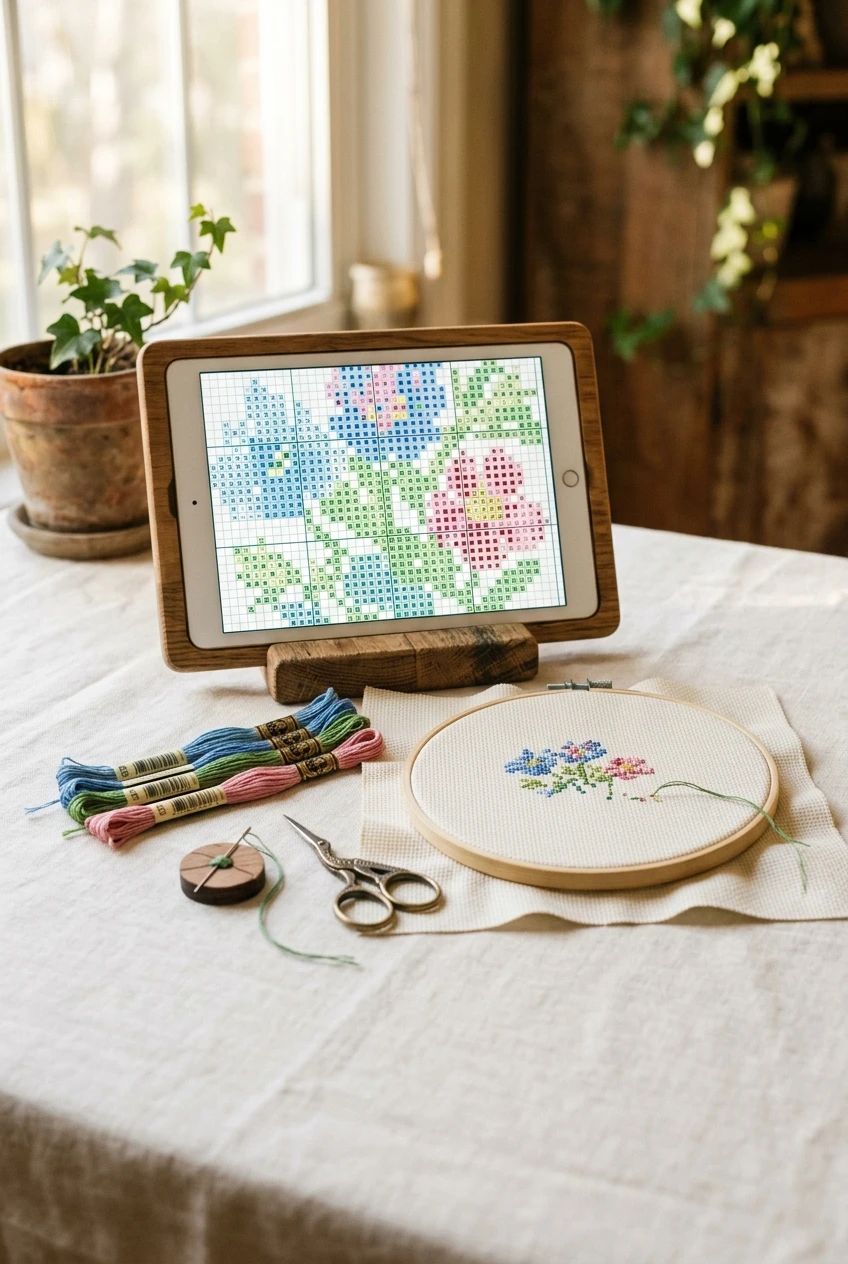
Tablet showing a cross stitch chart beside hoop and floss, Pattern Keeper PDF troubleshooting setup
By Tracey Kramer • • 12 min read
You bought a pattern, you charged your tablet, you poured the coffee, and Pattern Keeper just stares at you with an error message. Nine times out of ten, Pattern Keeper won't load a PDF pattern because the file is image-based rather than text-based, because it's password protected, or because the copy on your tablet isn't the original file you downloaded. After 22 years of selling digital patterns, I can tell you the fix usually takes about two minutes once you know which of those three things went wrong. Let me walk you through it so you can get back to stitching tonight.
What Pattern Keeper Actually Needs From a PDF
Pattern Keeper isn't a PDF reader. That's the single most useful thing to understand, and it clears up about half the confusion I hear from customers. A PDF reader just shows you a picture of a page. Pattern Keeper has to read the page, identify every symbol in the grid, match those symbols to the floss key, and then build an interactive chart it can track your progress on. That's a completely different job.
To do that, the app needs the chart to be built from real vector shapes and real text characters. When a designer exports a chart from charting software, each symbol is placed as an actual character or shape with coordinates attached to it. Pattern Keeper can find those. If the chart was scanned, photographed, screenshotted, or saved as a flattened image and then dropped into a PDF, all of that structure is gone. What's left is a grid of colored pixels, and the app has no way to tell a heart symbol from a smudge.
The app also needs a floss key it can parse. If the legend is on a separate page, cropped off, rotated sideways, or written in a decorative font the app can't match, Pattern Keeper may load the grid and then fail at the color assignment stage. That's why you sometimes get a chart that opens halfway and then throws an error.
Finally, it needs an unencrypted file. A lot of designers and shops add password protection or printing restrictions to discourage sharing. Those restrictions also block Pattern Keeper from reading the file contents. It isn't the app being difficult. It's the file telling every program on earth to keep out.
So before you start troubleshooting, reframe the question. You're not asking "why is this app broken." You're asking "what about this particular file is Pattern Keeper unable to read." That shift makes the whole process faster.
The Five Reasons Your PDF Won't Load
I keep a mental list, and in my experience nearly every failed load falls into one of these five buckets. Work down them in order. The first two cover most cases.
1. The chart is an image, not text
This is the big one. Older patterns, vintage magazine charts, and anything a seller scanned from paper will fail every time. Here's the quick test: open the PDF in any normal reader on your tablet or computer and try to select text on the chart page with your finger or cursor. If you can highlight the page numbers, the color codes, or the symbols themselves, it's a text-based file and Pattern Keeper has something to work with. If nothing highlights and the whole page behaves like one flat picture, that's your answer. No amount of re-downloading will fix it, because the information Pattern Keeper needs was never in there.
2. The file is password protected or restricted
Some shops lock their PDFs. Sometimes it's a full password, sometimes it's a permissions lock that allows viewing but blocks copying and extraction. Pattern Keeper reads that lock as a closed door. Your PDF reader will usually show a small padlock icon in the file properties or document info. If you see one, you need an unlocked copy from the designer. Don't go hunting for cracking tools. Just email the shop and ask.
3. The file on your tablet isn't the original
This one surprises people. If you opened the PDF, then used "save as," "print to PDF," "export," or a cloud app's built-in editor, you may have created a flattened copy. Same file name, same look, totally different internals. Markup apps and some email clients do this automatically when you preview an attachment and then save it. Always load the untouched file straight from your download, not a copy that's been through another program.
4. The download didn't finish
A partial download produces a file that opens as a blank page, shows only page one, or throws a generic read error. Spotty wifi, a tablet that went to sleep mid-transfer, or a browser that timed out will all do it. Check the file size. A full-color chart is rarely under a megabyte. If your file is 40 KB, it didn't make it.
5. The app can't reach the folder the file lives in
Tablets are picky about storage permissions. If Pattern Keeper was never granted file access, or if your PDF is sitting in a cloud folder that hasn't actually synced to the device, the app may see a file name with nothing behind it. Cloud storage is the sneaky version of this. The icon is there, the file isn't, and the app fails silently.
There's a sixth cause that technically exists but almost never applies to normal patterns: a chart so enormous the app runs out of memory. If you're loading a HAED-sized BAP on an eight-year-old tablet with 2 GB of RAM, that's worth considering. For a typical landscape or sampler chart, skip right past it.

Tracey Recommends
Lamicall Tablet Pillow Stand iPad Bed Soft Holder for Lap 6 Viewing Angles
Propping a tablet against a coffee mug is how screens get cracked and necks get sore. A sturdy adjustable stand holds your chart at eye level right beside your hoop. Mine folds flat and travels with my project bag.
Check Current Price →Pattern Keeper isn't a PDF reader. It has to read the page, identify every symbol, and match it to the key. If your chart is a scan, that information was never in there.
The Two-Minute Fix, Step by Step
Here's the routine I give customers who email me in a panic. It genuinely takes about two minutes, and it resolves the overwhelming majority of load failures.
Step one: delete the copy on your tablet. Not move it, not rename it. Delete it. You want to rule out a corrupted or flattened version, and leaving the old file around only creates confusion when two files share a name.
Step two: re-download the original from your account or receipt link on the device you're stitching on. Not on your laptop and then emailed to yourself. Not through a photo app. Go directly to the download link in your order confirmation or your shop account, on the tablet, over a solid wifi connection, and let it finish completely before you touch anything.
Step three: save it to local device storage. Your Downloads folder is fine. If you prefer cloud storage for backup, that's great, but mark the file for offline availability so it physically exists on the tablet. Pattern Keeper can't read a placeholder.
Step four: open Pattern Keeper and grant file permissions if it asks. If you breezed past that prompt during setup, go into your tablet's app settings, find Pattern Keeper, and turn storage access on. This fixes a surprising number of "the file isn't there" complaints.
Step five: load the file from inside the app rather than tapping the PDF and choosing "open with." Using the app's own file browser avoids a whole category of handoff problems between apps.
If the chart loads, you're done. Go stitch. If you get the same error after a clean re-download, you've just ruled out the easy causes and you're almost certainly looking at an image-based or locked file. That's cause number one or two, and no app setting will solve it.
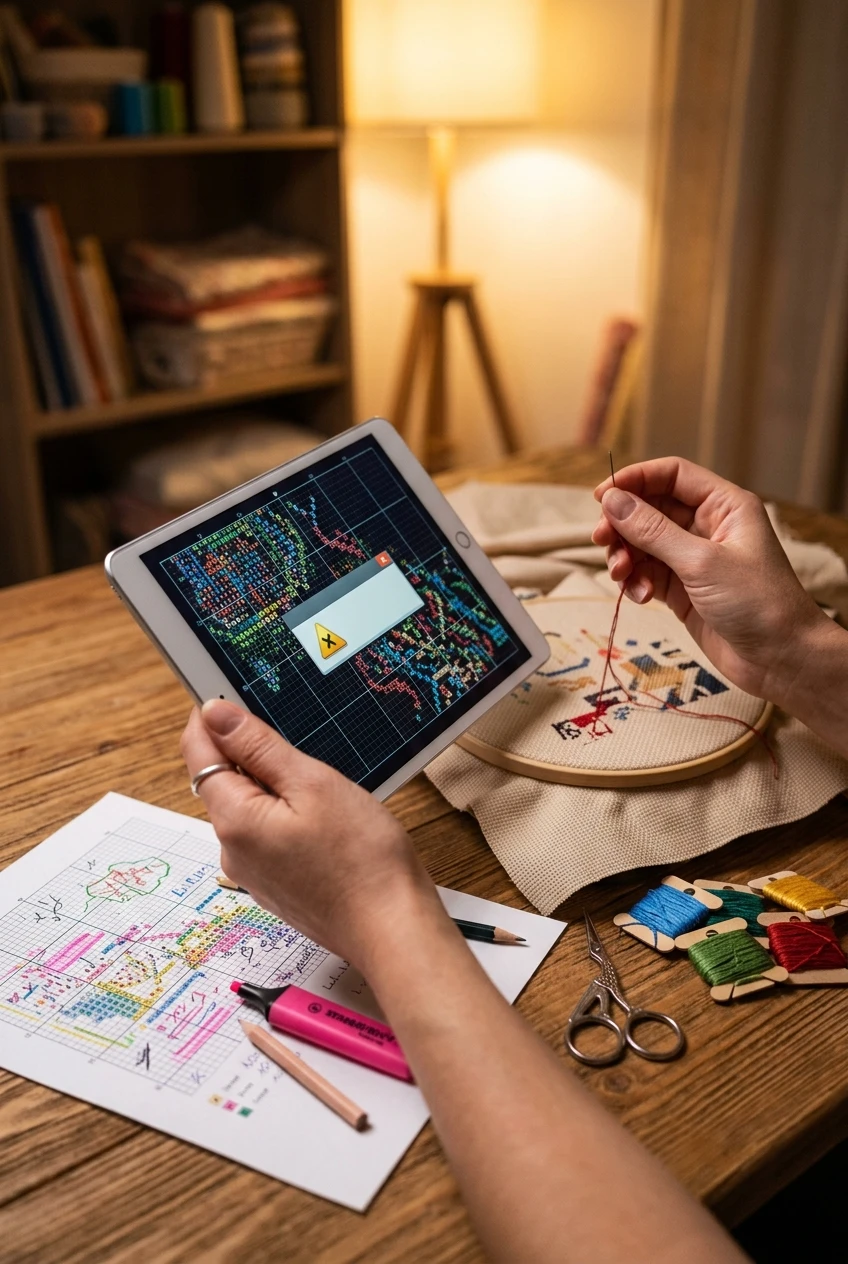
Hands holding tablet with cross stitch chart beside highlighted printed paper pattern on wooden table
When the File Genuinely Isn't Compatible
Let's talk about the part nobody enjoys. Some patterns will never work in Pattern Keeper, and that's not a defect in the app or a failure on your part.
Vintage charts, magazine scans, out-of-print leaflets, and patterns from designers who build their charts in graphics programs rather than charting software are all going to come through as images. I own a stack of gorgeous old charts from the eighties that I'd love to track digitally, and not one of them will load. The information simply isn't encoded in a way software can read.
If you're in that situation, you have good options that don't involve giving up on the design. You can print the chart and grid it on paper, using a highlighter or a dry-erase sleeve to track progress. You can photograph the chart and use a simple markup app to cross off completed sections. Or you can use the parking method with a paper chart, which plenty of stitchers swear by for big pieces. The app is a convenience, not a requirement. People finished enormous projects for decades with nothing but a chart, a magnetic board, and a pencil.
And if you've bought a pattern from any shop and it won't load, email them. Reputable designers will tell you honestly whether their file is app-compatible, and many will send you an alternate export. At Sunrays, our digital patterns are generated from charting software and export as text-based PDFs, so they're designed to behave. When something doesn't work for a customer, I'd rather hear about it and sort it out than have someone sit there frustrated. That's the whole point of buying from a small shop with a real person at the other end of the email.
One more honest note. Pattern Keeper is a separate product made by a separate developer. No designer, including me, controls how that app updates or what it supports in any given release. If an update changes behavior, the fastest path is usually the app's own support channels.
|
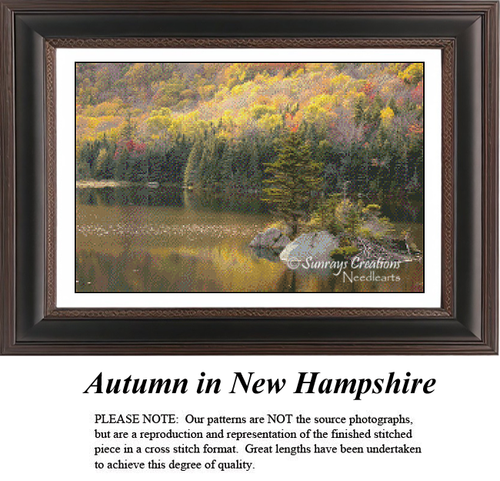
Patterns from the Sunrays Collection Tracey's Picks, designing cross stitch patterns since 2004 | |||||
| |||||
| Browse the full Sunrays collection → |


Setting Up Your Tablet So This Stops Happening
Once you've fixed it, a little setup keeps it fixed. I've watched too many stitchers repeat the same scramble every time they buy a new chart.
Create one dedicated folder on your tablet, named something obvious like Cross Stitch Patterns, and put every PDF in it the moment you download it. No stray copies in email attachments, no files floating in a photos app. One folder, original files only.
Back that folder up to cloud storage, but always keep the local copies. Think of the cloud as your safety net, not your working library. If you ever replace your tablet, you re-download from the cloud into a fresh local folder and you're running again in five minutes.
Keep the app updated. Developers fix parsing bugs constantly, and a chart that failed six months ago sometimes loads fine after an update.
The physical setup matters too
A tablet propped against a coffee mug is a recipe for a cracked screen and a sore neck. I use an adjustable tablet stand (find on Amazon) that keeps the chart at eye level next to my hoop, which means I'm not craning down every few stitches. Your neck will thank you after a three-hour session.
A capacitive stylus (find on Amazon) is worth the few dollars it costs. Tapping squares with a fingertip is imprecise, and nothing is more irritating than marking the wrong stitch complete and then hunting for it later. A stylus gives you a point you can actually aim.
Keep a microfiber cloth (find on Amazon) in your project bag. Screens get smudged fast when you're handling floss and touching the glass every thirty seconds, and a cloudy screen is as bad as bad lighting for eye strain.
If you stitch at night, blue light glasses (find on Amazon) or your tablet's warm display mode make a real difference. Staring at a bright white chart grid in a dim room is hard on your eyes in a way that paper never was.
And one last habit: when you finish a stitching session, close the app properly rather than just locking the screen. Pattern Keeper saves your progress, but clean closes reduce the odds of a corrupted project file, and losing hours of tracked progress is its own special heartbreak.
Get Stitching Tips & New Patterns from Tracey
Honest advice, new Sunrays designs, and occasional VIP-only offers. No fluff.
No spam. Unsubscribe any time.

Tracey Recommends
MoKo Universal Stylus Pencil for Touch Screen Devices, White
Tapping tiny grid squares with a fingertip is how you mark the wrong stitch complete. A fine-point stylus gives you something to actually aim with. It costs a few dollars and saves a lot of muttering.
Check Current Price →A Word About Not Letting the App Run Your Stitching
I love what tracking apps have done for large projects. Watching a BAP fill in square by square on screen is genuinely motivating, and for confetti-heavy designs the ability to isolate one color at a time is close to miraculous.
But I'd gently push back on one thing. Learn to read a paper chart properly anyway. The day your tablet dies, the day you're on a plane with no charge, the day you fall in love with a vintage chart that will never load into any app, you'll want that skill. Reading symbols, counting from a center point, keeping your place with a magnetic board. Those are the bones of this craft and they don't need batteries.
I stitch on 18-count Aida with two strands of DMC floss and a five-inch wooden hoop, and for years my only tracking method was a highlighter and a photocopy. The app is a lovely addition. It isn't the craft.
So fix the file, get your chart loaded, and enjoy the convenience. Then every once in a while, print a chart and stitch from paper. It keeps you honest, and honestly, it's kind of nice to put the screen down.
Technology hiccups are frustrating, but they're rarely the end of a stitching night. Delete, re-download the original, check permissions, and you're usually back in business before your coffee cools. When you're ready for your next chart, come browse the Sunrays Creations pattern library and pick something worth tracking square by square.
Framed autumn cross stitch wall art above a side table holding a tablet and wooden hoop
Keep Reading
How to Read a Cross Stitch Pattern: A Complete Guide for New Stitchers
If your PDF won't load into an app, you'll be working from a paper chart. This guide covers symbols, keys, and counting from center.
Read the GuideHow to Track Your Cross Stitch Progress (9 Real Methods)
Nine tracking methods that work without an app, from highlighters to dry-erase sleeves to the parking method.
See the MethodsLarge Cross Stitch Projects: Tips for Tackling Big Patterns
Pattern tracking matters most on big pieces. Here's how to keep a BAP moving without losing your place.
Tackle a BAPFrequently Asked Questions
Why won't Pattern Keeper load my PDF pattern?
Almost always because the chart is an image rather than text-based, because the PDF is password protected, or because the copy on your tablet isn't the untouched original file. Scanned and screenshotted charts have no readable symbol data for the app to find. Work through those three causes first.
How do I tell if my PDF is image-based or text-based?
Open the file in any normal PDF reader and try to select text on the chart page. If you can highlight page numbers, color codes, or the symbols themselves, it's text-based and should work. If the whole page behaves like one flat picture, it's a scan and no app will read it.
Can I fix a password-protected pattern myself?
Not reliably, and I wouldn't go hunting for cracking tools. Permissions locks block every program from reading the file contents, including Pattern Keeper. Email the shop you bought it from and ask for an unlocked copy.
Why does my pattern show up but then fail to load?
Usually a partial download or a file sitting in cloud storage that hasn't actually synced to the device. Check the file size, since a full-color chart is rarely under a megabyte, and make sure the file is marked for offline availability so it physically lives on your tablet.
Are Sunrays Creations patterns compatible with Pattern Keeper?
Our digital patterns are generated from charting software and export as text-based PDFs, so they're built to be readable. If one doesn't load for you, email us and we'll sort it out rather than leaving you stuck.
What should I do if my chart will never work in an app?
Print it and track on paper. A highlighter, a dry-erase sleeve, a magnetic board, or the parking method all work beautifully. Stitchers finished enormous pieces for decades with nothing but a chart and a pencil.
-- Tracey Kramer
Founder & Designer, Sunrays Creations Needlearts
Hand-charted designs since 2004 • Marysville, Ohio